Uploading a product to FloomX should be quick and painless, however, we understand that sometimes it's not always clear what the issue is when you receive an error message. Below we have detailed the types of issues you may come across and how to get resolve these yourself!
-
I can't get past the "product page"
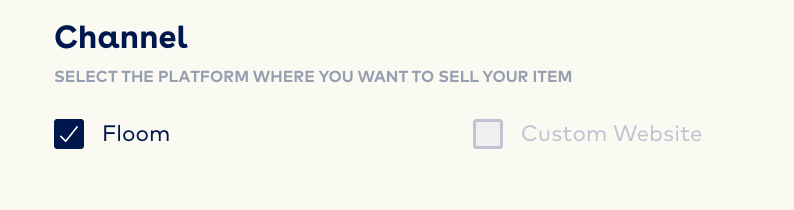
When you first select "upload a new product" you'll be taken to the product page to enter the name, description and occasions of the product you want to upload. If FloomX isn't letting you select next to the recipe, it's likely because you have not selected the channel as Floom as shown below.
-
I can't get past the "Recipe page"
Checklist:
-
-
Ensure a number is entered in the Stock section for each variation
-
Ensure a price is entered for each variation
-
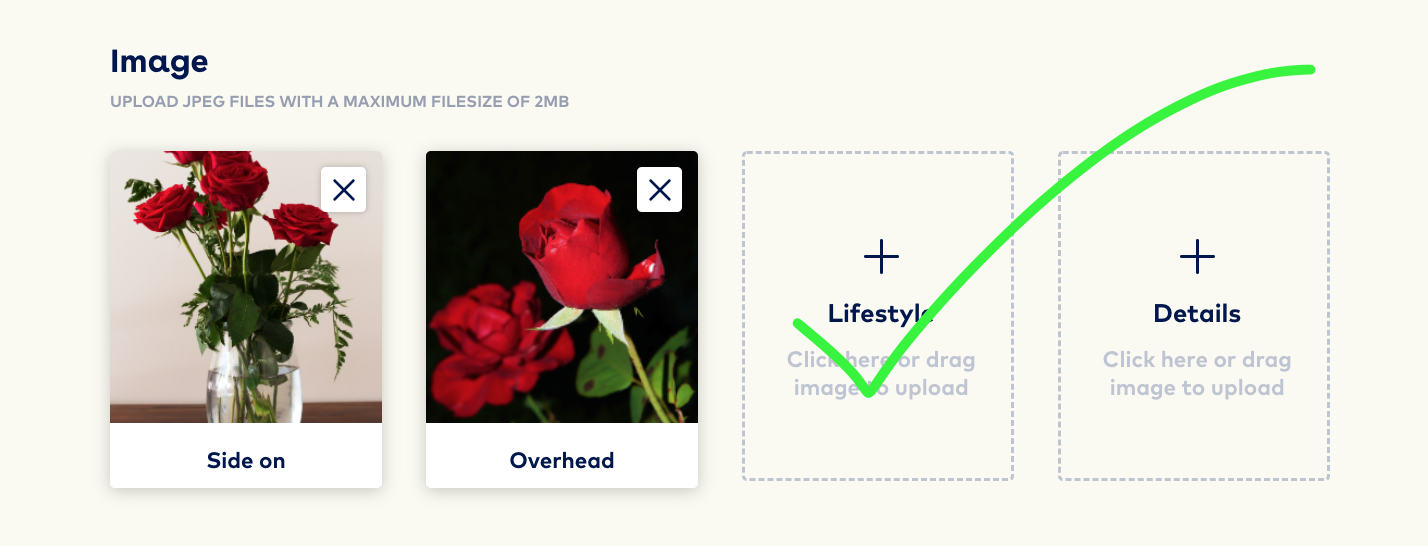
Provide at least two images
-
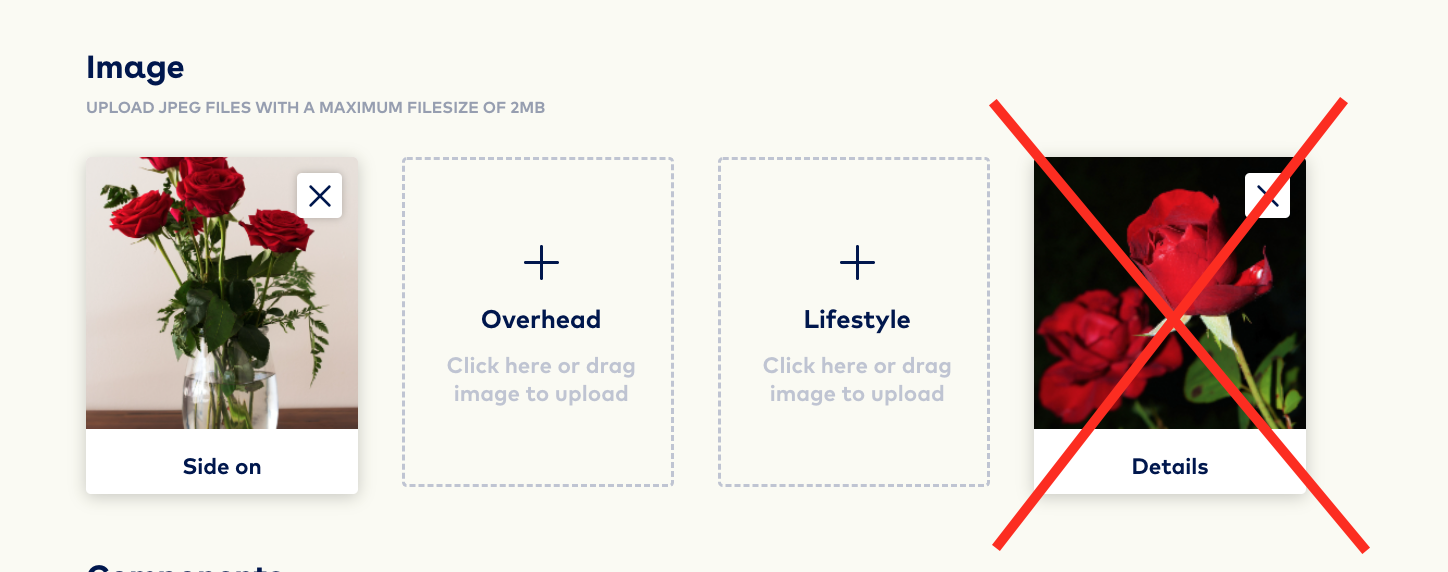
If you're unable to select 'Next to delivery' this is likely because you have your two images in the wrong upload boxes.
3) My image is too large!
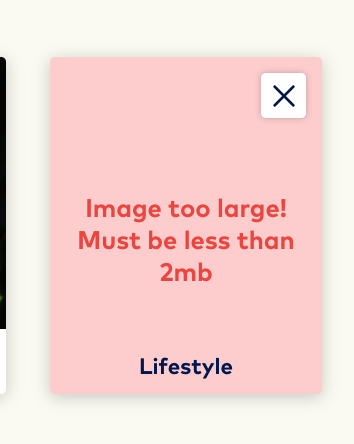
Last but certainly not least is the most common issue our florists come across, however, there are some easy ways to bulk update the size of your images. It's simple and easy to resize your images just follow our how to here > How can I resize my images to fit FloomX?