Did you know that you can sell your Floom collection products in up to three different size varieties? No? Well, now you do, and it's time to start adding stock and selling stems!
Simply follow our step by step guide below to learn how to start selling your products in different size variations.

The size guide:
Once you've decided on the products from the Floom collection that you wish to sell, you can decide which size varieties you wish to sell them in, choose from Original, Superior, and Deluxe.
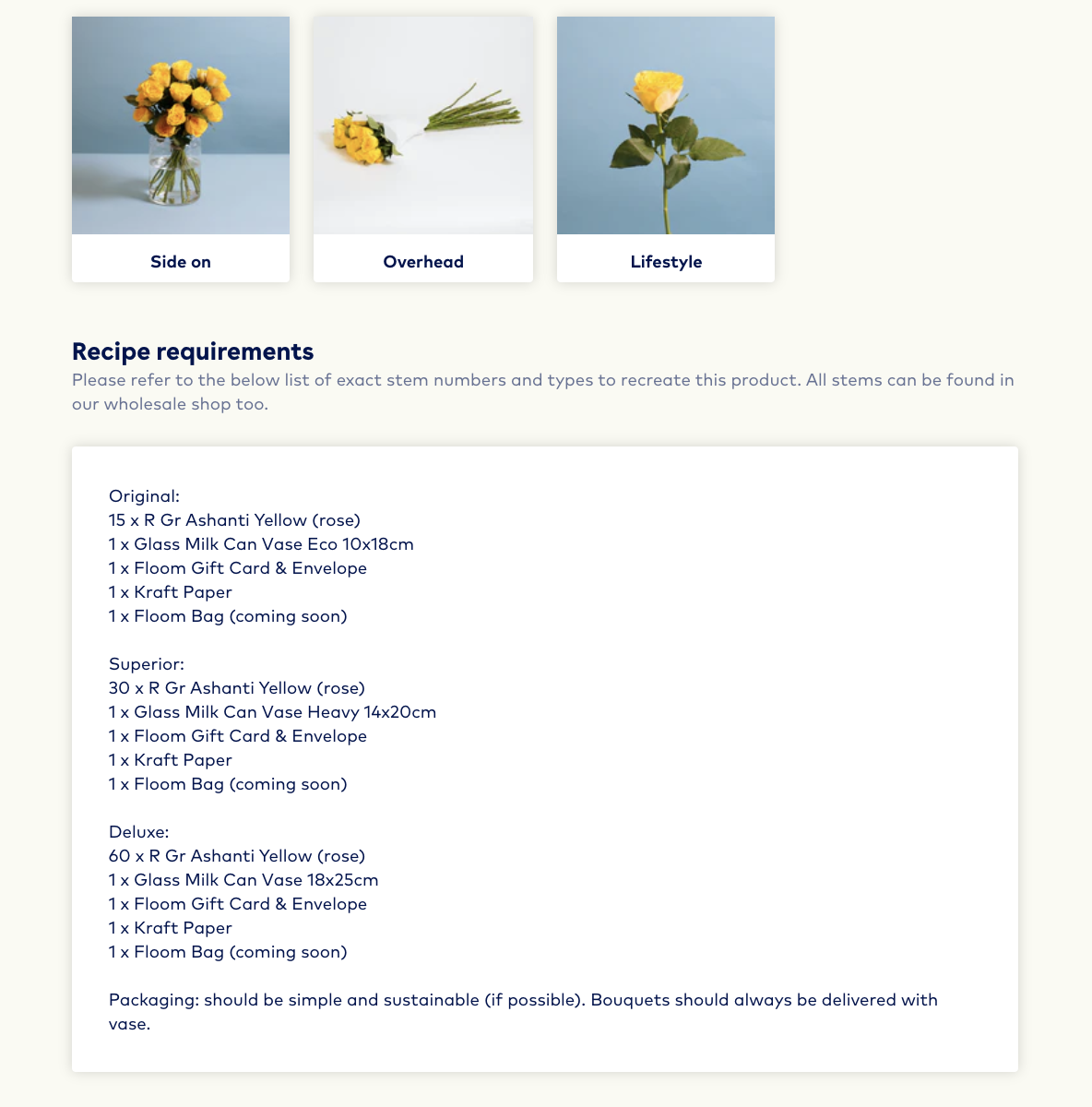
To find out what's included in each of the different size selections, you can click on the product and will be provided with the recipe details, prices, and how to assemble the product.
Start selling different sizes:
- Login to your FloomX account
- Head to the products page
- Find the product you wish to sell
- Click on the name of the size you wish to sell (original, superior, deluxe)
- Click 'Quick edit' and
- Add stock
- If inactive, toggle to active
- Press save.
🎉 All done! Now you can do the exact same for your other selected Floom collection products.